Lesson 5 - Export the Morph
1. Click the Save Frame button to save single image. You can choose
an image format (JPG, BMP, PNG, GIF, TIF).
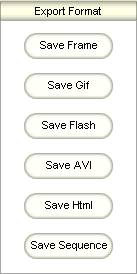
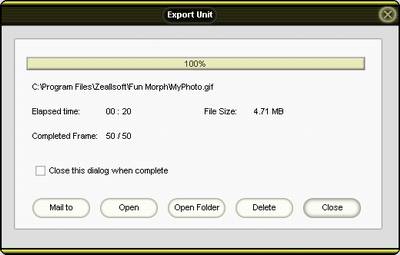
2. Click the other button to save movie file and show the Export window. If all complete, you can Mail to / Open / Open Folder / Delete the export movie.
|


